



If you ask five cybersecurity professionals: “What are network security monitoring tools?”, you might get five different answers. Are we talking about internal systems, or do they include external exposure and cloud services? How much of an emphasis should be placed on the word “security”?
Back in the day, when people said “corporate network”, they meant exactly that: a physical network, connecting computers with wires or via Wi-Fi. But now, the scope of the term “network” has changed to include cloud infrastructure, cloud-managed services, and edge devices. And when one says “security”, they almost always mean “network security” among other things.
So, let’s start with a definition we’ll be using in this article:
Network security monitoring tools are tools designed to prevent misuse of the organization’s network through continuous monitoring.
This means, their scope has expanded beyond the internal network to include the cloud and more. These tools inspect and collect all network traffic for threat detection and alerting.
The key differentiator is the continuous monitoring part, which many popular network security tools lack. Take Nmap, for example: It’s the tool for network scanning and enumeration, but it performs point-in-time assessments, not the ongoing, 24/7 surveillance that network security monitoring platforms provide.
Now that we’ve defined what we’re talking about, here are 12 of the best network security monitoring tools, grouped into five categories based on their primary function.
Packet Capture Tools
Packet capture tools are software applications that intercept and log data packets as they travel across a network, a process called packet sniffing. These tools help with network troubleshooting, traffic management, forensic analysis, and security inspection, as they allow network administrators and cybersecurity professionals to reconstruct sessions and analyze network data at the deepest level.
1. Wireshark
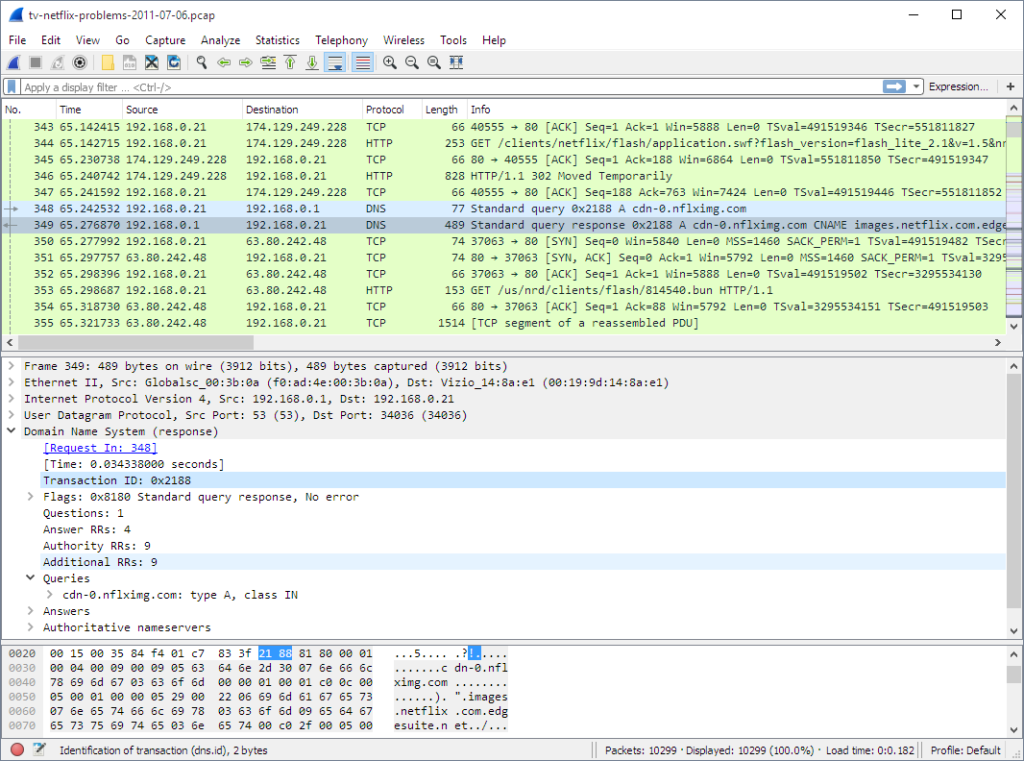
Wireshark is the world’s most popular network protocol analyzer — it is among the first tools taught in almost any university cybersecurity course.
Wireshark captures network traffic (or, to be precise, reads from OS libraries that perform the capture) and helps network administrators troubleshoot connectivity problems and analyze security issues. The tool is available for free under the GNU General Public License (GPL).
Pros
- Free and open-source
- Very mature, with an active community and tons of educational materials
- Plenty of features for in-depth analysis
- Excellent for educational purposes
Cons
- Steep learning curve for complex filters and raw data interpretation
- Can be resource-intensive in high-traffic environments
- Designed primarily for forensic/manual analysis, not continuous monitoring
2. tcpdump
tcpdump is a command-line utility for capturing and displaying network packets on Unix-like operating systems. It is lightweight and efficient, so it’s suitable for use on remote servers in environments with limited resources. The collected data can be displayed directly on the terminal or saved to a file in .pcap format for later analysis using other tools.
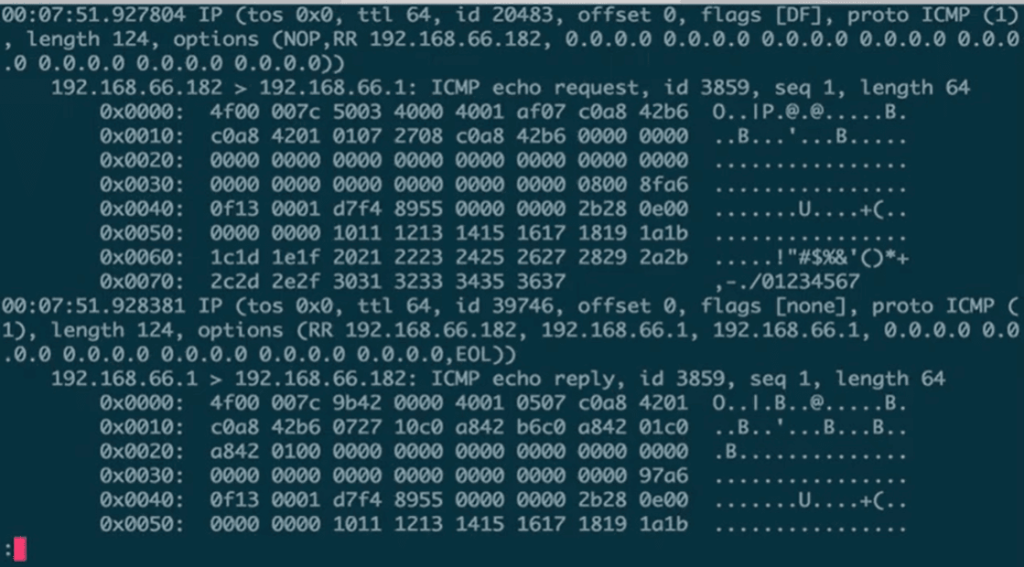
Like Wireshark, tcpdump is useful for network troubleshooting and security analysis because it allows users to inspect traffic at the packet level. The tool is also free to use and is often bundled with Unix-like operating systems.
Pros
- Free and open-source
- Minimal resource usage, if configured with specific filters on less busy networks
- Suitable for scripting
Cons
- Has fewer features than Wireshark
- Operates only via a command-line utility, so it may be difficult to use
- Users need another tool to visualize and analyze raw data from tcpdump
NetFlow Analyzers
NetFlow analyzers are tools that collect and analyze metadata about network traffic flows, in particular, NetFlow traffic, rather than the full packet contents. These tools enable security teams to monitor network traffic behavior to create a baseline for normal activity, detect anomalies, and monitor bandwidth usage.
3. Attaxion
Attaxion is an advanced cybersecurity platform that primarily supports exposure management, vulnerability monitoring, and attack surface management. It uses a network mapping engine and OWASP ZAP under the hood, helping cybersecurity professionals continuously find assets and their respective vulnerabilities, including those that are unknown to the organization.
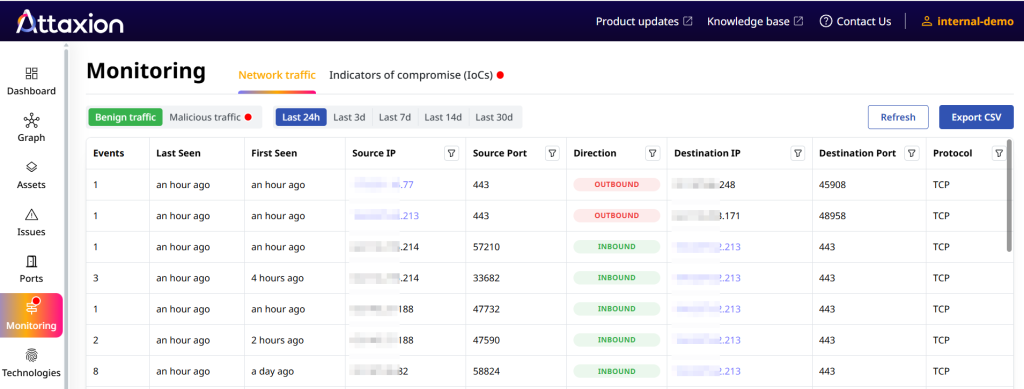
However, it also has an agentless network traffic monitoring capability that analyzes NetFlow data from outside, without deploying any agents on the network. This external analysis allows Attaxion to monitor traffic flow to and from an organization’s public-facing assets and, by mapping it to threat intelligence feeds, highlight if some of that traffic is coming from or going to IPs that are associated with known threats.
Attaxion offers a 30-day trial upon sign-up across its subscription plans — Starter ($129/month), Plus ($349/month), and Business ($949/month). For companies with larger external attack surfaces, the Enterprise plan is available at custom pricing.
Pros
- Agentless
- More than a NetFlow analyzer: also identifies network assets, vulnerabilities, and misconfigurations
- Automatically distinguishes between benign and malicious traffic
Cons
- Does not capture the entirety of NetFlow traffic
- Pricing scales with the number of network assets
- More tailored toward external threat exposure management than network security monitoring alone
4. SolarWinds NetFlow Traffic Analyzer
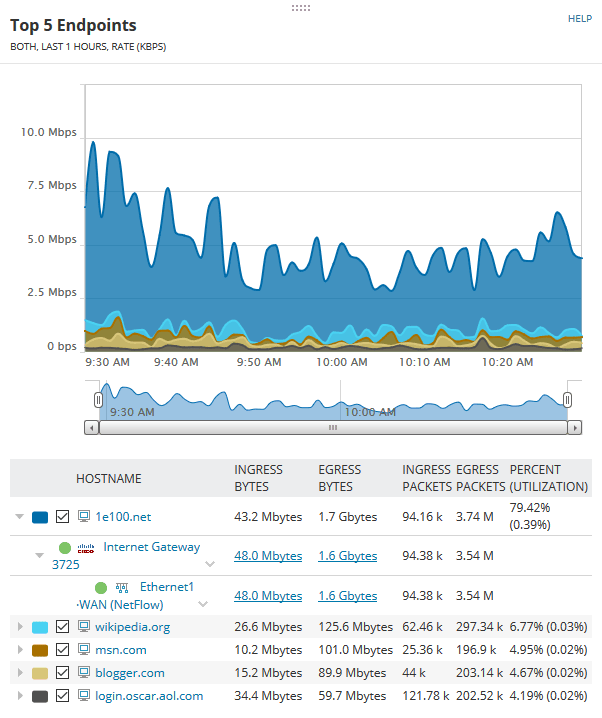
SolarWinds’ NetFlow Traffic Analyzer is designed to monitor and analyze network bandwidth usage and network traffic behavior. It collects and analyzes NetFlow data to help identify what applications and users are consuming the most bandwidth, which can be critical for identifying unusual or malicious activity indicative of a security threat.
This NetFlow analyzer is a feature of SolarWinds Observability Self-Hosted but is also available as a standalone product. Its price is not readily available on SolarWinds’ website, though one site lists it at $5,435.00 per year.
Pros
- Unified platform, when integrated with other SolarWinds tools
- Helps easily identify bandwidth hogs and potential network misconfigurations
- Customizable reports and dashboards
Cons
- Some users report that it is slow and expensive
- Complex initial setup and inconsistent customer support
- Several users say that its cloud monitoring is lacking
Network Intrusion Detection System (NIDS)
Network Intrusion Detection Systems (NIDS) are passive security tools that monitor all incoming and outgoing network traffic for signs of suspicious activity or policy violations. NIDS only detects security threats but doesn’t actively block them, which is different from what a Network Intrusion Prevention System (NIPS) does. However, many products can be either a NIDS or a NIPS, depending on the configuration.
5. Snort
Snort is an open-source NIDS that uses rule-based language to perform real-time analytics on traffic and network logs. It can be configured to work as an NIPS and stop malicious packets. It can also be used as a packet sniffing tool or packet logger.
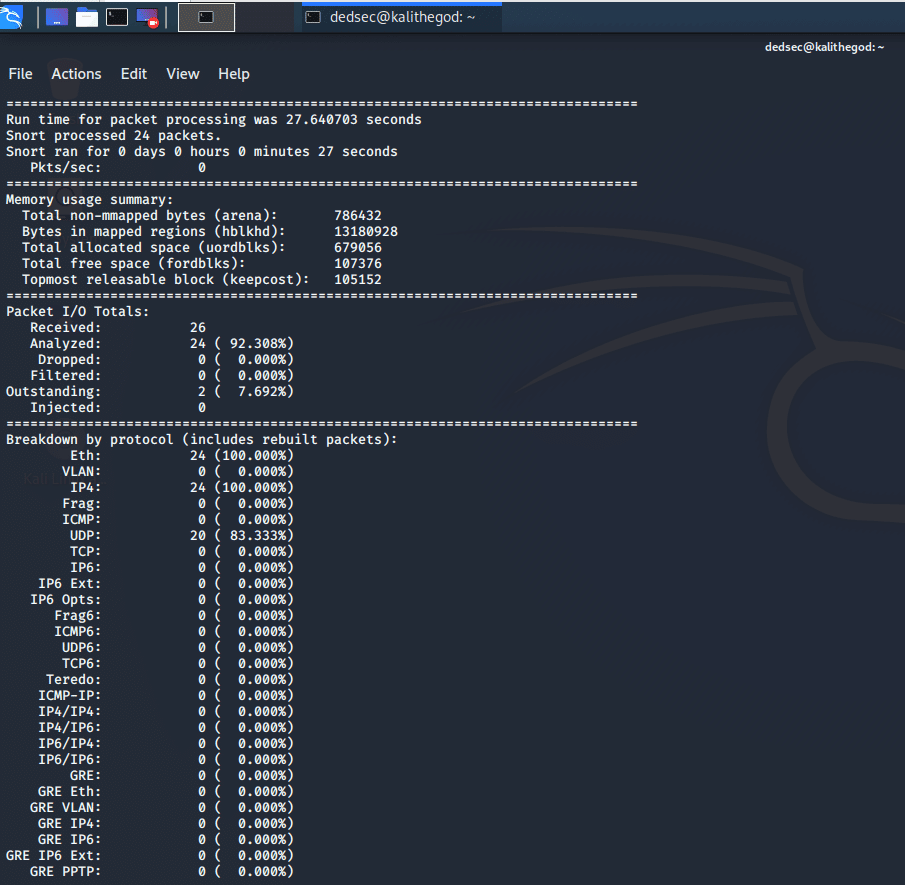
Snort is owned by Cisco and is a component of several Cisco security products. Cisco continues to maintain the open-source project and offer a free, community version of Snort. However, paid Snort rulesets are available, and users can choose between two annual plans — Personal ($29.99 per ruleset) and Business ($399 per sensor).
Pros
- Industry standard with a massive community
- Excellent at detecting and preventing intrusions
- Low memory consumption
Cons
- Requires a lot of configuration before it can be used, according to user reviews
- A lot of false positives, unless properly configured
- No GUI
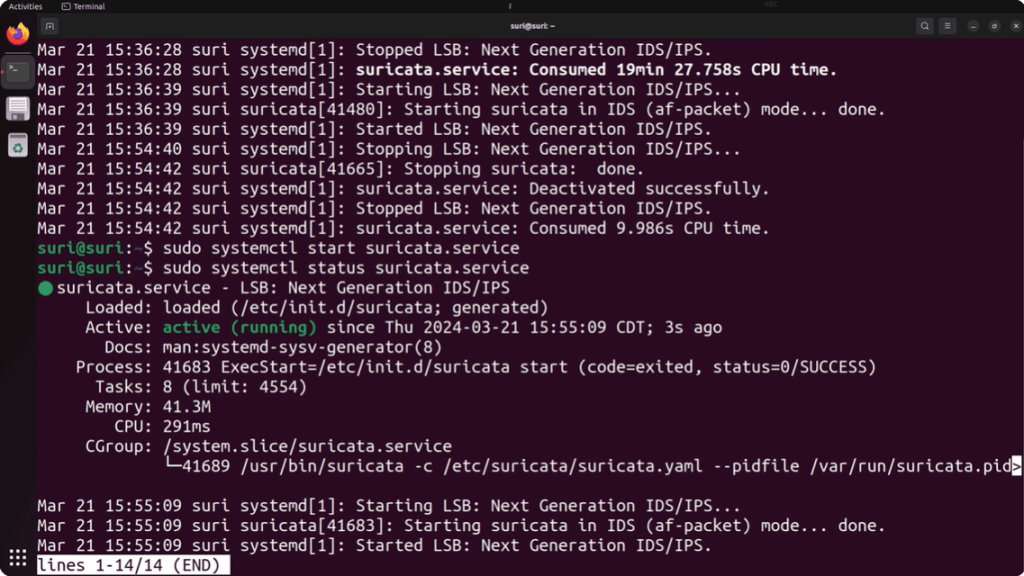
6. Suricata
Suricata is a free, open-source NIDS/NIPS/NSM engine. It was created by the Open Information Security Foundation (OISF) and is known for its multi-threaded architecture, which allows the tool to use multiple CPU cores for faster and more scalable network traffic analysis than single-threaded tools — one Suricata instance can handle multi-gigabit traffic.
Pros
- Superior performance and scalability in high-traffic environments due to multi-threading
- Supports rulesets from other sources, including Snort
- Can handle high volumes of data
Cons
- High number of false positives
- Initial configuration requires some level of expertise
- Users report that it’s difficult to work with
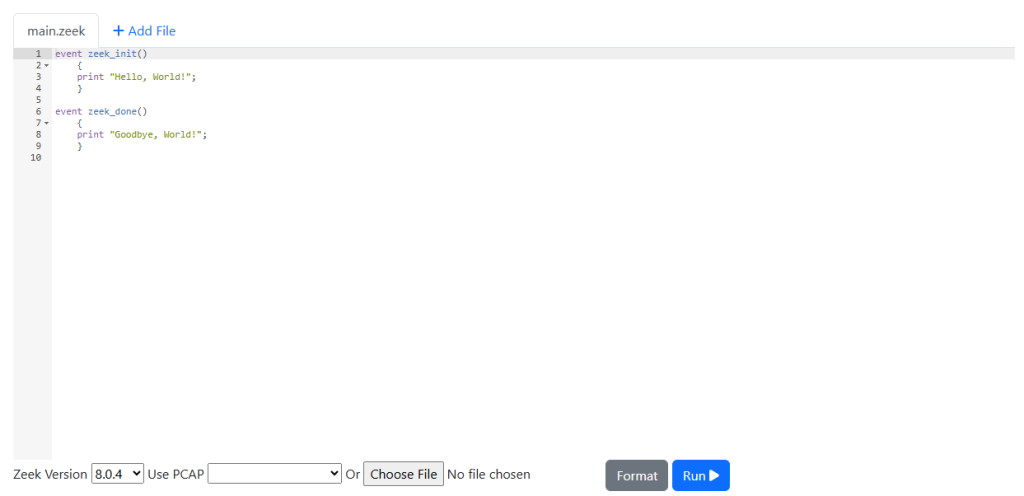
7. Zeek
Zeek is a free and open-source network traffic analyzer that can be used as a Network NIDS, as it offers built-in analysis and threat detection capabilities, like file extraction, malware detection, and vulnerability reporting. Unlike signature-based tools like Snort or Suricata, Zeek focuses on behavioral analysis.
Its primary benefit is generating an extensive set of logs detailing network activity, including comprehensive connection records and application-layer transcripts for HTTP, DNS, and SSL. These logs are written to well-structured files suitable for post-processing or consumption by external databases and SIEM products.
Pros
- Visibility into network traffic metadata (DNS, HTTP, SSL/TLS certificates)
- Fully customizable and extensible platform for traffic analysis
- Has an active and knowledgeable open-source community
Cons
- Requires scripting knowledge for users wanting to do advanced analysis
- Does not have a native GUI
- Requires integration with tools like ELK or Splunk for visualization
8. Security Onion
Security Onion is not just a single tool but an open-source Linux distribution that bundles a suite of network security monitoring and log management tools, including:
- Signature-based detection (Suricata)
- Protocol metadata and file extraction (Zeek or Suricata)
- Full packet capture (Stenographer)
- Data visualization (Elastic Stack, including Elasticsearch, Logstash, and Kibana, or its own console)
- File analysis (Strelka)
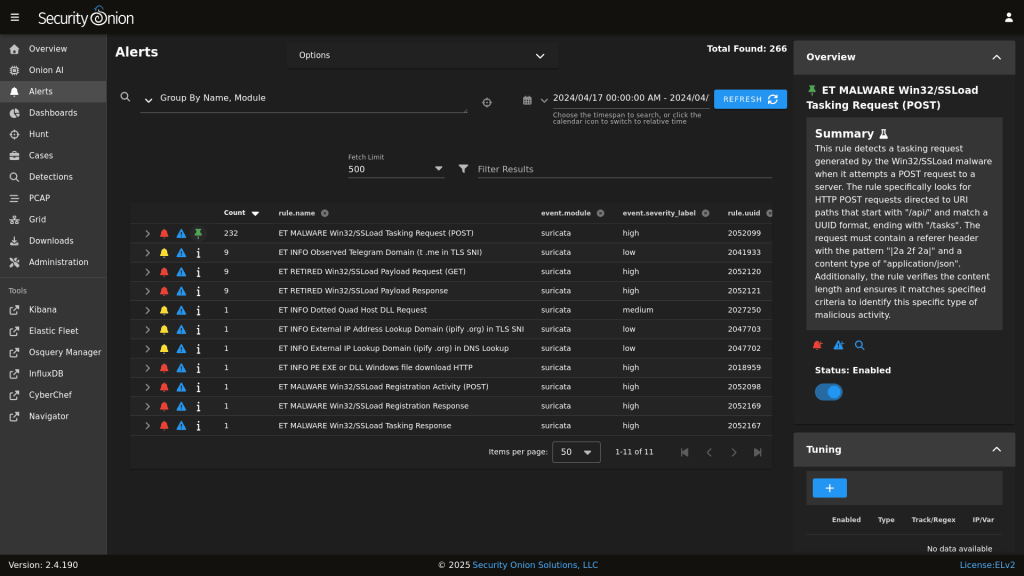
Instead of manually installing and configuring multiple tools, security teams can deploy Security Onion to start capturing full packet capture (FPC), network-based and host-based intrusion detection logs, and alert data.
While the core Linux distribution is available for free, there’s also a paid option — Security Onion Pro, which includes enterprise features like OpenID Connect (OIDC) authentication, FIPS/STIG OS compliance, enhanced notifications, higher-tier service level agreements (SLAs), and professional support.
Pros
- All-in-one solution that integrates best-in-class open-source tools
- Provides FPC for deep forensic analysis
- Excellent for threat detection with built-in visualization dashboards
Cons
- Requires significant hardware to run effectively
- Can be complex to maintain and tune due to the number of integrated components
- User interface can be overwhelming for beginners
Network Detection and Response (NDR)
Network Detection and Response (NDR) solutions continuously monitor network traffic and use non-signature-based techniques, such as machine learning (ML) and behavioral analytics, to detect suspicious activity. NDR solutions also include threat hunting and response capabilities.
9. Darktrace
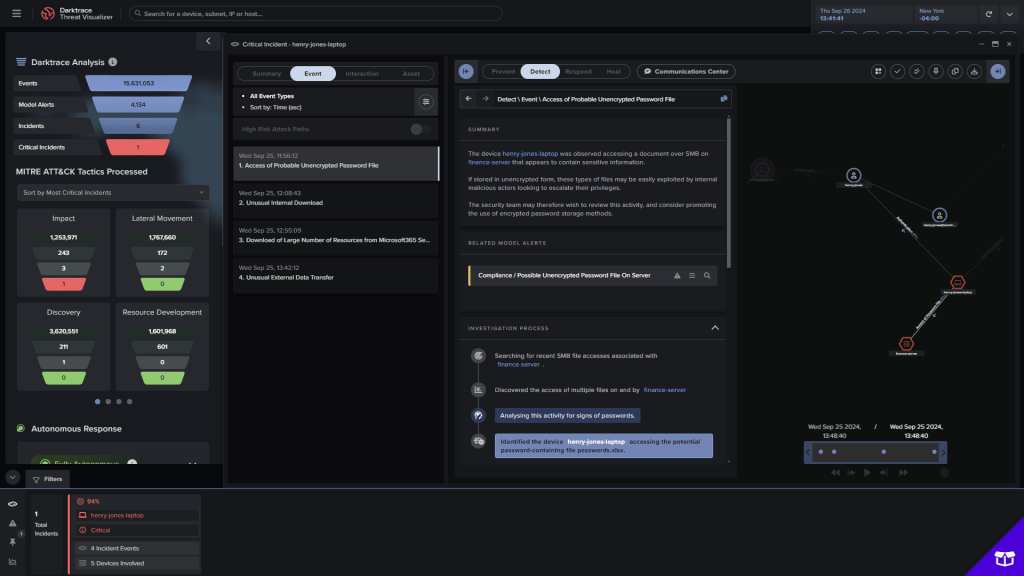
Darktrace is a well-known NDR solution that uses its self-learning AI to model the normal behavior of every user, device, and network controller in an organization. It then detects subtle deviations from this baseline (such as a device connecting to a rare destination or an unusual spike in data transfer), which often indicate a cyberattack in progress.
One of its standout features is Autonomous Response technology, Antigena, which is designed to automatically interrupt malicious activity in real-time without disrupting normal business operations.
Darktrace does not publicly disclose the price for its NDR solution, but an AWS Marketplace listing says that it costs $30,000 per year for 200 hosts and up to 300 Mbps of average bandwidth.
Pros
- Self-learning AI requires minimal initial tuning or rule creation, making the platform’s anomaly detection capability very effective, according to some users
- Provides insight into machine-to-machine communication
- Can stop threats with minimal disruption
Cons
- Many users say its complexity is not worth the investment.
- Other users complained about false positives and false negatives
- High cost compared to many other solutions
10. Vectra AI
Vectra AI uses behavior-based analytics to detect attackers moving laterally across various environments, including data centers, campus networks, remote work setups, and cloud networks. The platform prioritizes threats by severity and certainty, showing security analysts the critical incidents that need immediate attention rather than flooding them with low-fidelity logs.
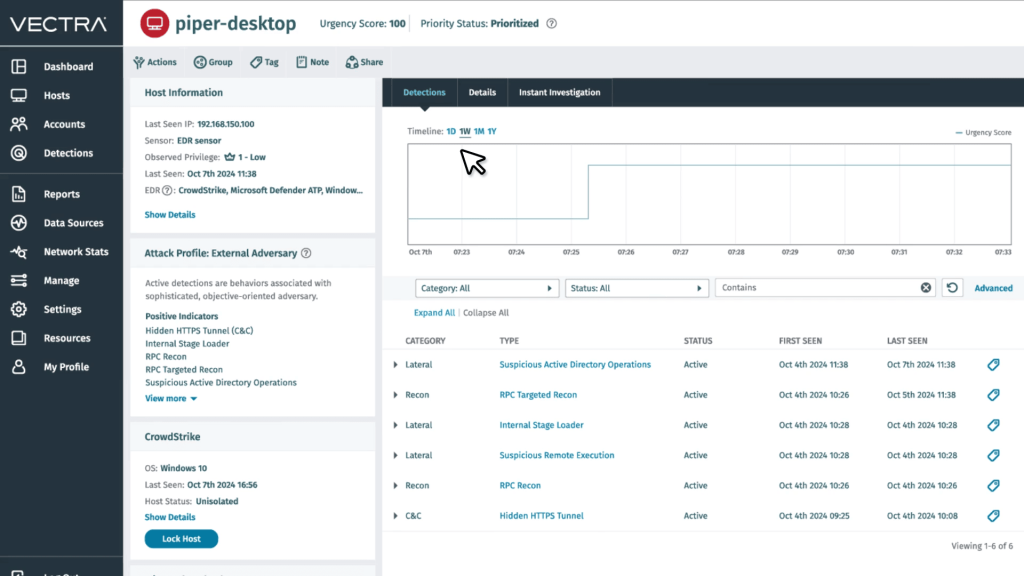
A key capability is its ability to detect threats, such as Command and Control (C2) and exfiltration, even in encrypted traffic without requiring decryption. It prioritizes high-fidelity alerts by mapping attack behaviors to specific hosts or accounts, effectively reducing alert noise for security teams.
Vectra AI Standard, which includes the platform for network, identity, and cloud, is priced at $499 per month on AWS Marketplace. The Complete version, which includes premium support and MDR, is listed at $1,299 per month.
Pros
- Simple to deploy and use, according to users
- Prioritizes threats effectively, helping analysts focus on what matters
- Events can be downloaded as PCAP files
Cons
- May not offer much value for large environments, as reported by some users
- Can be expensive for smaller organizations
- Alerts can be noisy and late, according to user reports
Security Information and Event Management (SIEM)
While NIDS and NDR focus on network traffic, SIEM tools aggregate log data from across the entire IT infrastructure (firewalls, servers, applications, and network tools) to provide a centralized view of security events.
11. Wazuh
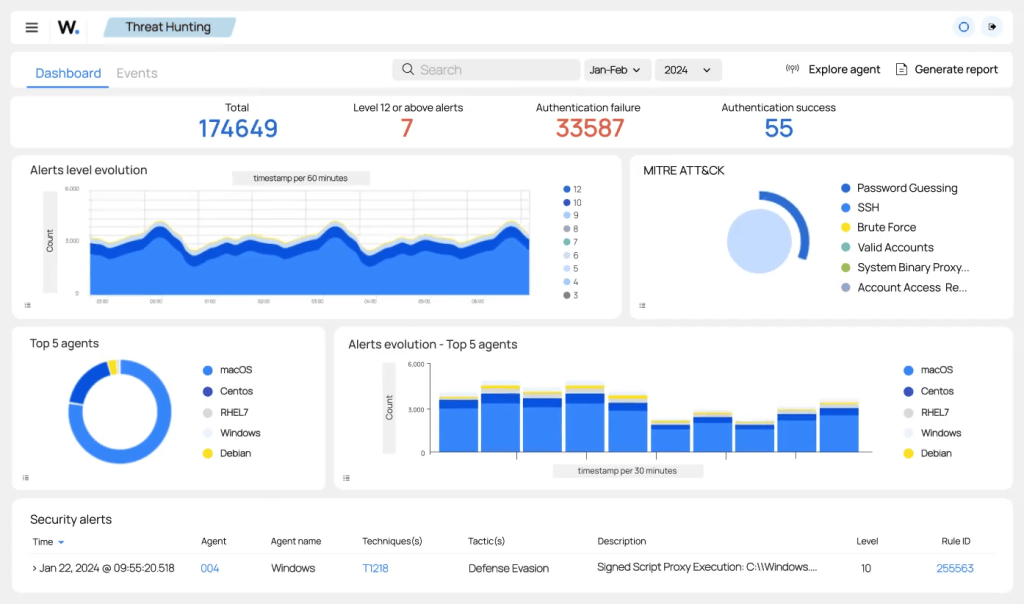
Wazuh is a free and open-source platform that has evolved from a host-based intrusion detection system (HIDS) into a unified Extended Detection and Response (XDR) and SIEM solution.
It is a favorite among organizations that need a cost-effective but powerful way to meet compliance requirements (PCI DSS, HIPAA, GDPR) and monitor security across on-premise and cloud environments.
Pros
- Easy to monitor, update, and manage agents
- Allows logs from all servers and supports a wide range of agents
- Real-time anomaly detection
Cons
- Users report difficulty with some integrations
- Limited features, given that it’s open source
- Deployment can be tricky, and the documentation is not always up-to-date
12. Splunk Enterprise Security
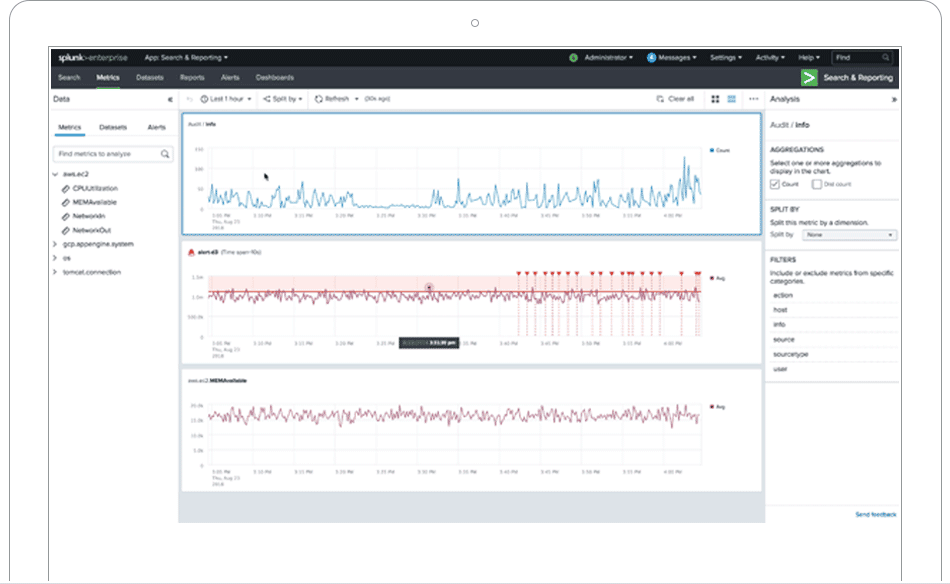
Splunk Enterprise Security ingests data from virtually any source — network tools, servers, cloud services, and custom applications — and turns it into actionable security intelligence. It allows security teams to easily search, analyze, visualize, and make decisions based on the gathered data.
Splunk is designed for mature security operations centers (SOCs) that need to correlate massive amounts of data to find sophisticated threats.
Splunk offers two types of pricing (Workload and Ingest), but the exact cost is not publicly available on its official website. Other sites report that Splunk’s ingestion-based pricing can range from $1,800 to $18,000 per year (for a data volume of one to 10 gigabytes per day).
Pros
- Massive ecosystem of integrations (apps and add-ons) for almost any vendor
- Market leader with a large pool of trained professionals
- Can ingest hundreds of gigabytes of data per day without performance degradation
Cons
- Although the exact price is not disclosed, many users state that it can be quite costly
- On-premise versions require significant computing and storage resources to deploy and maintain
- The Splunk Search Processing Language (SPL) may be hard to figure out for new analysts
Conclusion
After going through this list, you may have already figured out that it’s not about selecting that one network security monitoring solution that is right for you. The one tool that covers all needs simply doesn’t exist.
A strong security posture requires a blend of tools and approaches, combining the deep forensic visibility of packet capture tools like Wireshark with the specialized external monitoring of tools like Attaxion, the automated and behavioral intelligence of an NIDS or an NDR solutions, and the centralized analysis of a SIEM platform.